




A college student's day is packed with lectures, group projects, research meetings, and an overwhelming amount of information.
For college students, the real challenge is not simply capturing more information. It is turning the information into knowledge they can use whenever they need it.
Echo is an AI note taker designed for that. It captures classes, lectures, and academic conversations, turns them into full, searchable transcripts and structured summaries, and connects what students learn to what they need to do next—from assignments to research papers.

The best AI note taker for college students should do more than produce a transcript. It should help them capture information reliably, understand what they heard, find knowledge later, and act on what comes next. That is the idea behind Echo.
How Echo Supports College Students
1、Capture the Whole Class Without Splitting Your Attention
Don't take notes. Take the whole lecture.
During a fast-paced class, students are expected to listen, understand, connect new ideas with what they already know, and take complete notes at the same time.
Missing a single definition can make the rest of the lecture harder to follow. Frantic typing can also reduce participation, attention, and deeper thinking.
Recording with a phone can introduce notifications, apps, and other distractions. Echo, by contrast, is built for simple, focused capture.
Press once to start recording. Echo preserves the audio and produces a transcript with speaker identification and timestamps, along with a structured summary.

Instead of trying to document every word, students can focus on following the argument and understanding the class and taking fewer but more meaningful notes by hand. After class, they can always return to the professor’s original explanation.
2、Turn Long Lectures Into Clear Insights
3 hours in. 3 core insights out.
A transcript tells you what was said. An insight tells you what matters.
Echo generates structured summaries that surface the central ideas and most valuable ideas from a lecture, guest talk, or seminar.
Beyond the summary, Echo also organizes the recording into insights and chapters, giving you multiple ways to review the content in the format that works best for you. You do not need to scroll through a long transcript or replay three hours of audio just to find the part that matters.

3、Turn Advisor Meetings Into Clear Action Items
1 advisor meeting in. 3 action items out.
Academic feedback is valuable, detailed, and often nuanced.
Echo helps college students turn a conversation with an academic advisor, professor, or research supervisor into a clear record of decisions, open questions, follow-up tasks, and next steps.
Instead of leaving the meeting with only a vague impression of what to do, you leave with a clear record that helps you plan your work and move forward.

4、Move Faster on Assignments and Exam Preparation
Build a searchable knowledge base for everything you learn.
At the end of a semester, your learning should not be scattered across forgotten recordings, long transcripts, class notes, and uploaded files.
Echo brings recordings, transcripts, structured summaries, and reference materials together into one connected knowledge base for the semester. You can review what you learned whenever you want.
With all that context in one place, Echo's built-in agent, Alivia, can answer questions based on your actual classes, conversations, and learning materials.
A graduate student might ask: 'How did my advisor define the research gap?'
An undergraduate student might ask: 'Which examples did my professor use to explain opportunity cost?'

With Alivia, you can go directly to the relevant answer and its original context, instead of replaying an entire lecture or searching through pages of notes.
A concept introduced in September can return when you need it in November—without asking your memory to behave like cloud storage.
When it is time to work on an assignment, Echo can bring together relevant material from lectures, group discussions, advisor feedback, and research conversations, then organize it into a draft. Instead of rebuilding the context from scratch, you can move from scattered information to a useful starting point in minutes.
When preparing for an exam, Echo can help you build study plans, create reminders, schedule recurring review sessions, and organize or export learning materials through tools such as Google Docs and Notion.

How to Use Echo in College
1、Ask, Then Capture
Get permission where required, follow your school’s and professor’s recording policies, then press to record.
2、Review the Record
Check the transcript and summary while the context is still fresh. Correct anything the AI misunderstood.
3、Do the Thinking
Use Alivia to extract tasks, build a study plan, and ask questions about what you learned. Then test your understanding, complete the paper, and make the final decisions yourself.
Protect Attention, Not Replace Thinking
Echo does not remove the intellectual effort of learning. It removes the avoidable work around it: frantic transcription, repeated typing, searching through scattered files, and rebuilding lost context.
It helps college students spend more of their effort on understanding.
With Echo, students can pay more attention in class instead of trying to create a perfect transcript by hand.
Course content becomes searchable, making it easier to find a concept weeks or months later. And students gain a reliable AI assistant that understands their real learning context and can help them explore questions across classes, meetings, and learning materials.
These benefits are especially valuable for college students studying in a second language, working through dense graduate-level material, or experiencing challenges with attention and note-taking.

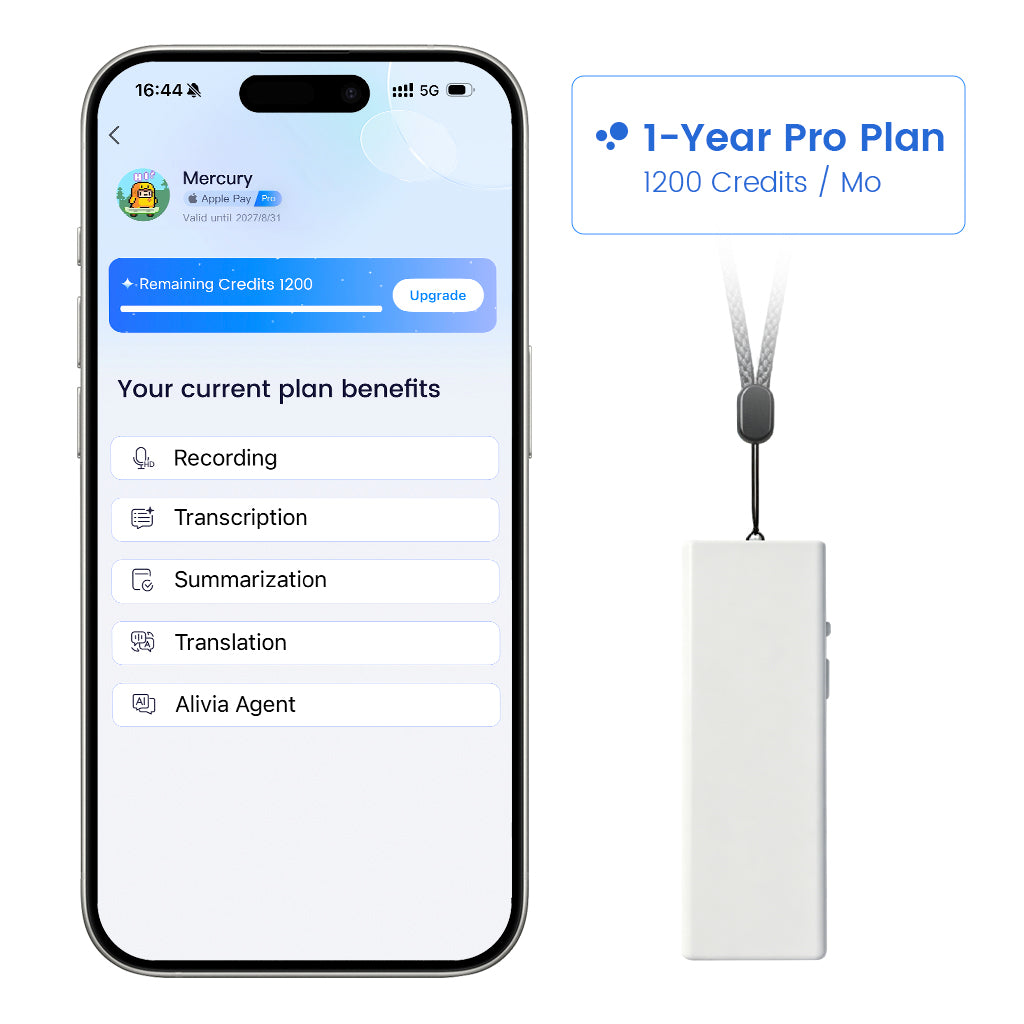
Choose Whale Echo Mini if you want a lightweight, wearable recorder for daily lectures, walking between classes, and hands-free capture.

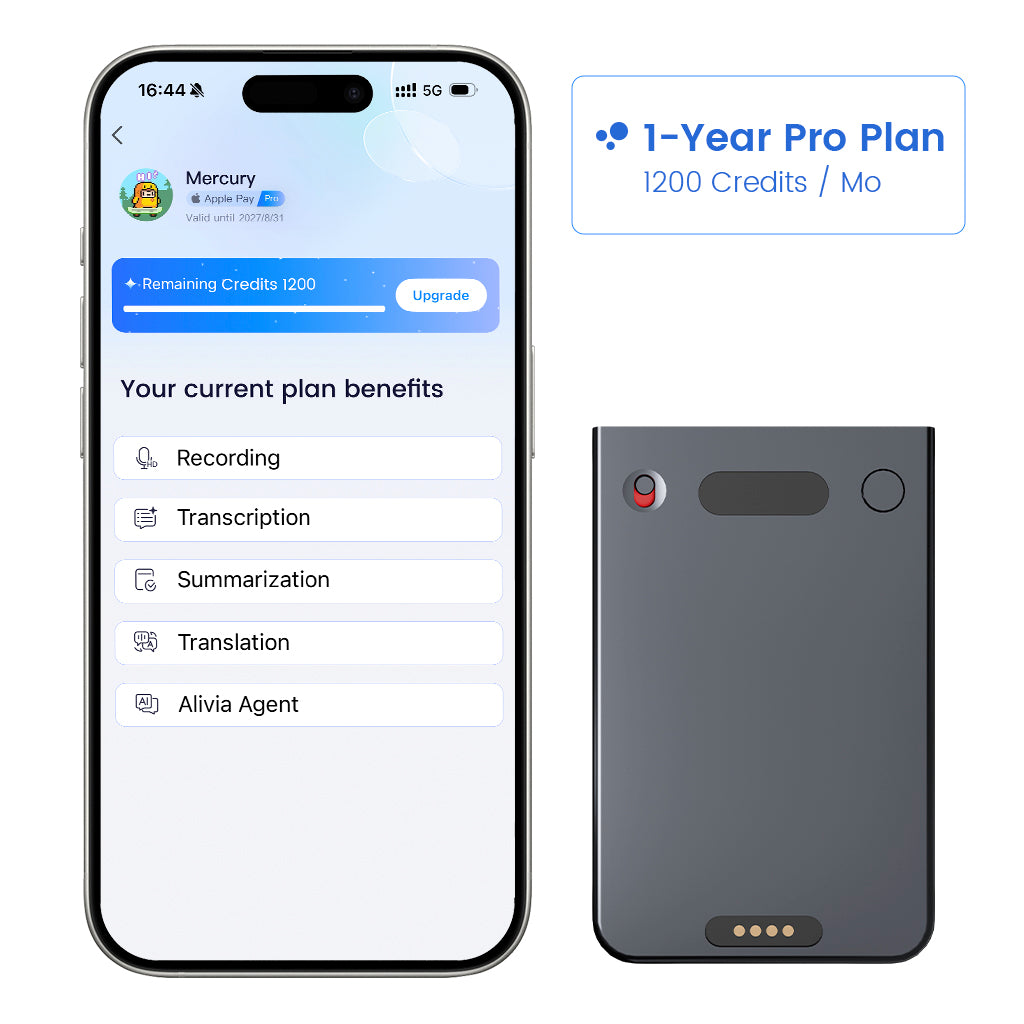
Choose Whale Echo Pro if you prefer a slim magnetic recorder with more than 10 hours of battery life for long study days and phone conversations.




Leave a comment
This site is protected by hCaptcha and the hCaptcha Privacy Policy and Terms of Service apply.