Alivia Alivia

Agent for Real Work

Alivia, your AI work companion draws on everyday conversations to help you do your best work.

Echo MiniEcho Mini
Echo ProEcho Pro
Project syncRecording · 24:08
Project briefReady to review
9:41
Alivia
What are we
working on?
Turn today’s discussion into a project brief.
Project sync

See Alivia at Work

Get more done in less time and deliver better results.

Answer

Think deeply. Answer clearly.

Powered by the world's leading AI models, Alivia brings powerful reasoning capabilities to your work. It breaks complex questions into clear steps and delivers thoughtful, reliable results—just as a capable assistant would.

Answer
Create

Your decks, and reports. Expertly crafted.

With specialized Skills and Studio, Alivia creates reports, pptx, project updates, content outlines, research materials and other professional outputs from recorded context.

Create
Build

Build websites. Functional and practical.

Alivia builds interactive web pages you can use in browsers and share via a link, from landing pages and dynamic portfolios to handy productivity tools and playful mini-games.

Build
Design

Sketch your ideas. Create versatile designs.

With Alivia’s multimodal capabilities, you’re free to make posters, design social media graphics, and create visuals for your projects.

Design
Connect

Keep Your Work Moving across Apps.

With connectors, you can plug in 100+ apps, making Alivia take action across your everyday workflows. Send emails, schedule meetings, set reminders, handle follow-ups, and more.

Connect
Automate

Schedule your routine. Automate repetitive work.

Set up always-on workflows to automate repetitive tasks. Get daily briefings on industry trends, news updates, brand sentiment, GitHub activity, meeting recaps, and more.

Automate

Get You. And Your Work.

The more you chat with Alivia, the better it understands how you work.

It remembers your preferences from one task to the next, helping you turn proven workflows into Skills tailored to your business.

  1. Memory

    Alivia remembers your preferences.

    “Keep meeting recaps short and to the point.”

  2. Skill skill-creator

    Your workflow becomes reusable.

    “/skill-creator Create a skill for meeting briefs. Keep it to three key takeaways.”

  3. Results

    Your results take shape.

    “/Meeting-brief Give me the highlights from today’s meeting.”

  4. Feedback

    Your feedback shapes the next results.

    “More detail on each point next time, please.”

Saved for the next round

Put Alivia to Work

Tell Alivia what you want to get done. See how it can take work off your plate and collaborate with you on tasks big and small.

Be productive

Alivia combines meeting recordings to uncover decisions and insights.

Privacy-First
Data Protection

Compliant with international security standards and certifications.

  • ISO/IEC 27001ISO/IEC 27001Information security
  • ISO/IEC 27017ISO/IEC 27017Cloud security
  • ISO/IEC 27701ISO/IEC 27701Privacy management
  • ISO/IEC 29151ISO/IEC 29151Personal data protection
  • SOC 2 Type IISOC 2 Type IIControls audit
  • HIPAAHIPAAHealth information privacy

Membership Plans

Every user gets 300 credits for free per month.

Whale Echo membership plans comparing Starter, Pro and Unlimited, including pricing, features and credit usage.

Amplify Intelligence.Amplify Productivity.

Shop Now
A presenter and four colleagues in a sunlit conference room

FAQs

How can I use Alivia?

Open the Whale Echo app and tap Alivia. Ask a question or describe what you need. You can use the following functions in APP:

Studio: Create presentations, reports, mind maps, and courses, or conduct deep research.

Skills: In Task mode, add Skills to customize how Alivia handles tasks, such as drafting documents, developing brand guidelines, building web artifact and more.

Connectors: Connect Alivia to 100+ tools, including Gmail, Google Calendar, Notion, Slack, and HubSpot, so it can work across the tools you already use.

Tasks: Schedule recurring tasks to run automatically at times you choose.

Do I need a subscription to use Alivia?

You can get started without a paid subscription. If you purchase Echo Mini or Echo Pro you will get:

  • 300 free credits each month.
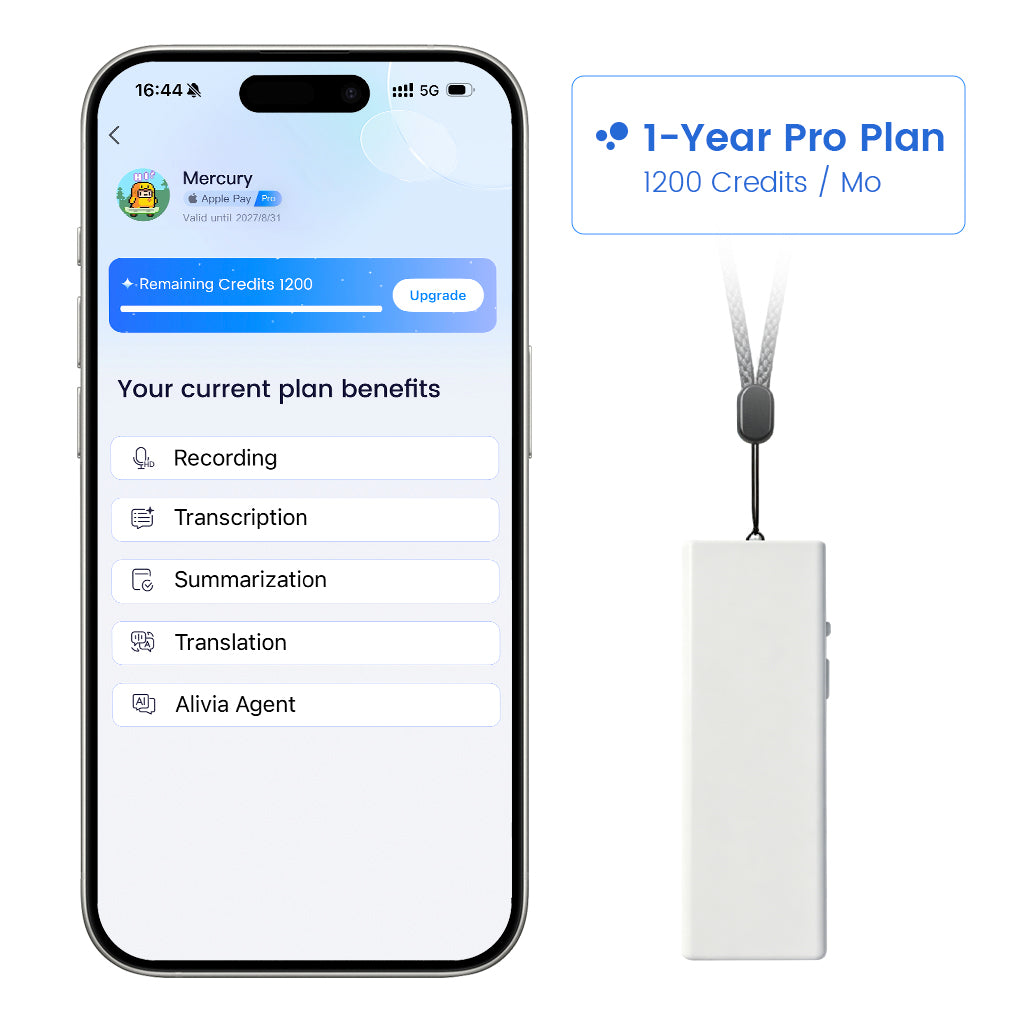
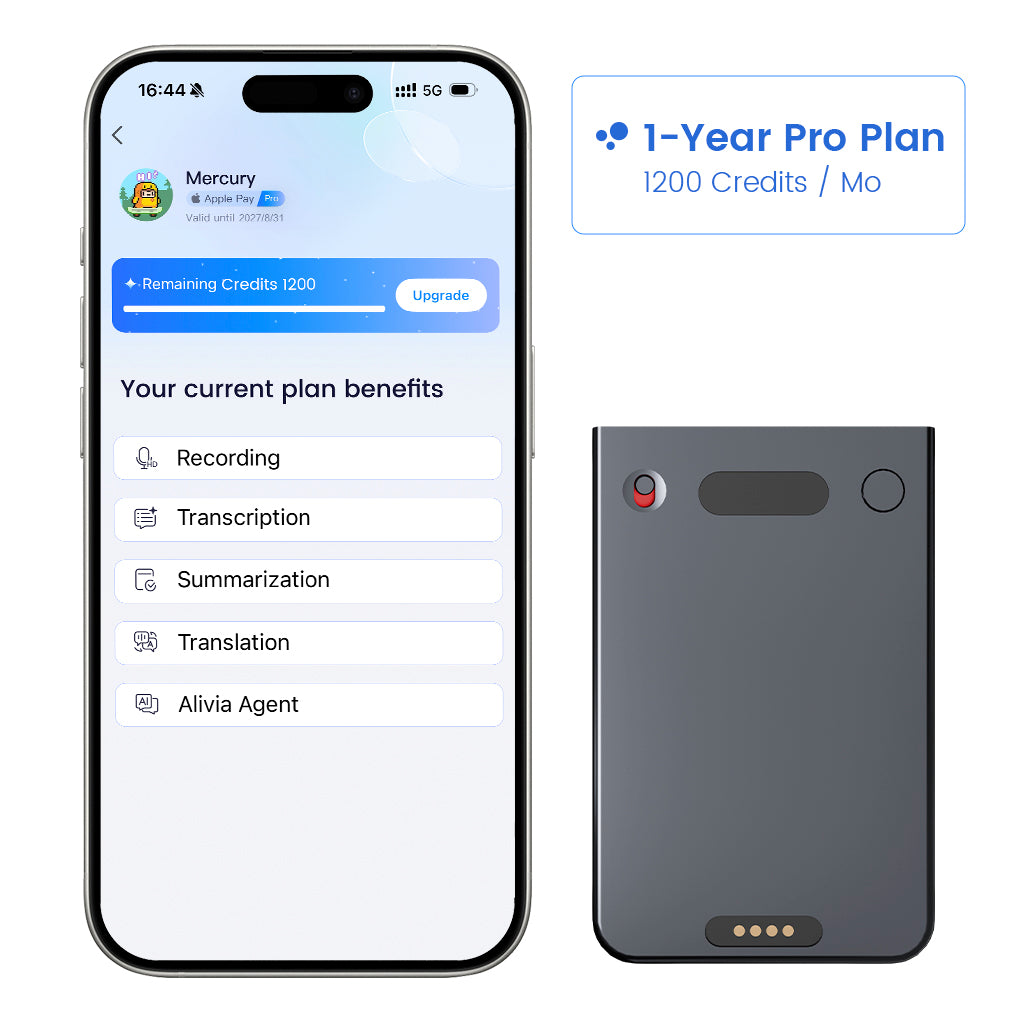
  • A complimentary one-month Pro membership with 1,200 credits.

Typical credit usage:

  • Alivia Chat: Approximately 2 credits per round.
  • Alivia Call: Approximately 10 credits per minutes.
  • Alivia Tasks: Approximately 10 credits per task.

If you need more credits, you can upgrade your membership or purchase additional credits in the app.

Is my data secure?

Yes. Your privacy and security are always our top priorities. Whale Echo is backed by international security and privacy certifications, including ISO 27001, ISO 27017, ISO 27701, ISO 29151, SOC 2 Type II, and HIPAA. Your data, you control.